Table of Contents
You watched the tutorial. You nodded along. It all made sense. Then you opened a blank file, and your mind went blank too.
If that sounds like you, relax. It happens to almost every beginner, and it has nothing to do with being “not smart enough”. It usually comes from three small habits. Fix these three, and coding starts to feel a lot less scary.
Quick summary (if you are in a hurry):
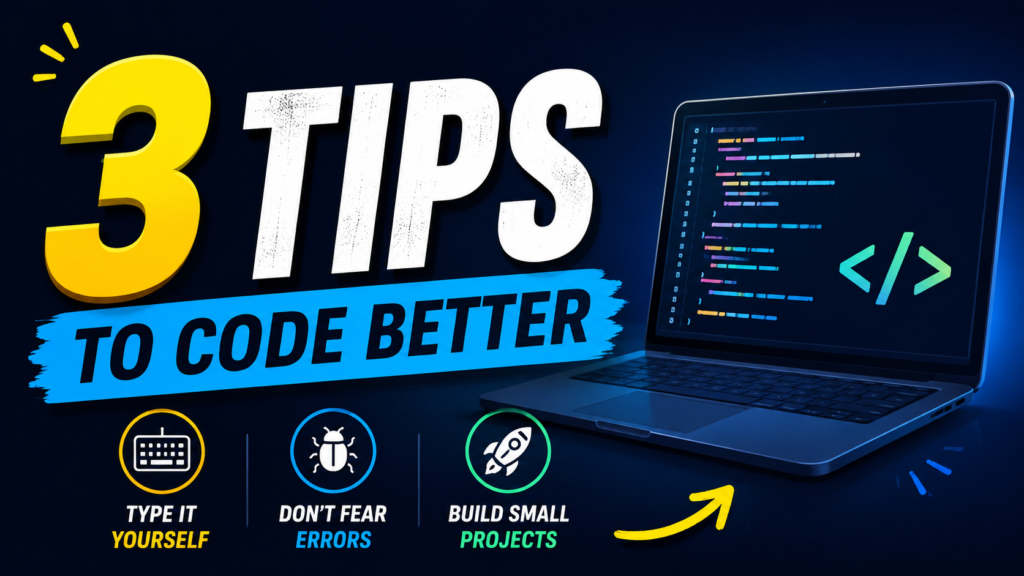
1. Type every line of code yourself.
2. Read your error messages. They tell you exactly where to look.
3. Build small projects instead of only doing exercises.
Prefer to watch? The full video is at the bottom of this article. Now let’s go through each tip with real examples.
TIP 1Don’t Copy and Paste. Type It Yourself.
Copy and paste feels fast. But you are only moving text from one place to another. Your brain never touched it, so nothing stays in your memory.
When you type code line by line, you slow down just enough to notice things: where the brackets go, why a colon is needed, what each word does. You will also make typing mistakes, and that is actually good. Every mistake is a free lesson.
Try it right now with this tiny program. Do not copy it. Type it.
name = input("What is your name? ")
print("Hello, " + name + "!")
Your first typed program. Only two lines, but you will learn input, variables and output.
Honest note: The Copy button above is only here so you can check your work afterwards. Type first, compare later.
A simple way to practice
Don’t Be Afraid of Error Messages
The first time you see red text in your terminal, it feels like the computer is shouting at you. It is not. An error message is the computer trying to help you. It tells you what went wrong and where it went wrong.
Here is a real error. Look at it first, then we will read it together.
$ python app.py
Traceback (most recent call last):
  File "app.py", line 3, in <module>
    print(nmae)
NameError: name 'nmae' is not defined
A typical beginner error. The yellow parts are the only two things you need to read.
That’s it. Two minutes, and the bug is gone. Most beginner errors are this small: a missing colon, a wrong bracket, or a typo.
The most common beginner errors
| Error you see | What it usually means |
|---|---|
| SyntaxError | You forgot a colon, bracket or quote. |
| NameError | A word is misspelled, or a variable was never created. |
| IndentationError | Your spaces at the start of a line are not lined up. |
| TypeError | You mixed things that don’t mix, like a number and text. |
Pro tip: If you are still stuck, copy the last line of the error and paste it into Google. Someone has almost always solved it before you. This is not cheating. This is how professional developers work every day.
Don’t Only Do Exercises. Build Small Projects.
Exercises teach you the pieces. Projects teach you how the pieces fit together. You can solve fifty exercises and still freeze in front of an empty file, because nobody told you what to build first.
The fix is simple. Start with something tiny that you can finish in one sitting. Finishing gives you confidence, and confidence keeps you going.
Here is a starter for the to-do list. Type it, run it, then add your own features like deleting a task.
tasks = []

while True:
    task = input("Add a task (or type 'done'): ")
    if task == "done":
        break
    tasks.append(task)

print("Your tasks:")
for number, task in enumerate(tasks, start=1):
    print(number, task)
About 10 lines, and you already have a working program.
Big idea: The real skill is not writing code. It is breaking a big problem into small steps. Every project, from this to-do list to a full website, is just small steps in a row.
6 More Things I Wish I Knew When I Started
Your First 7 Days: A Simple Plan
| Day | What to do | Time |
|---|---|---|
| Day 1 | Install Python and VS Code. Type hello.py yourself. | 45 min |
| Day 2 | Make errors on purpose. Read each message out loud. | 30 min |
| Day 3 | Learn variables and input. Build a small greeting program. | 45 min |
| Day 4 | Learn if/else and loops. | 45 min |
| Day 5 | Build the number guessing game. | 60 min |
| Day 6 | Type the to-do list project and add one feature. | 60 min |
| Day 7 | Upload your work to GitHub and rest. | 30 min |
Common Questions
Which language should a beginner learn first?
Python is a great choice. It reads almost like English, and you can use it for websites, automation, data and AI. If you only want to build websites, you can start with HTML, CSS and JavaScript instead. The key is to pick one and stay with it.
How many hours a day should I practice?
Thirty minutes to one hour is enough if you do it daily. Regular practice beats long, rare sessions.
Is it okay to use AI tools or Google when I am stuck?
Yes, but try to solve it yourself for 15 minutes first. Then ask, and make sure you understand the answer before moving on. Type the fix yourself instead of pasting it.
I feel like I am not learning anything. Is that normal?
Completely normal. Progress in programming feels invisible until one day you look back and realize how far you have come. Keep going.
Final Thoughts
Type the code yourself. Read your errors calmly. Build small projects and finish them. Do these three things, and you will grow faster than most beginners.
Which project will you build first? Tell me in the comments. I read every one.
If this helped you, share it with a friend who is learning to code. Thank you for reading, and don’t forget to watch the full YouTube video!